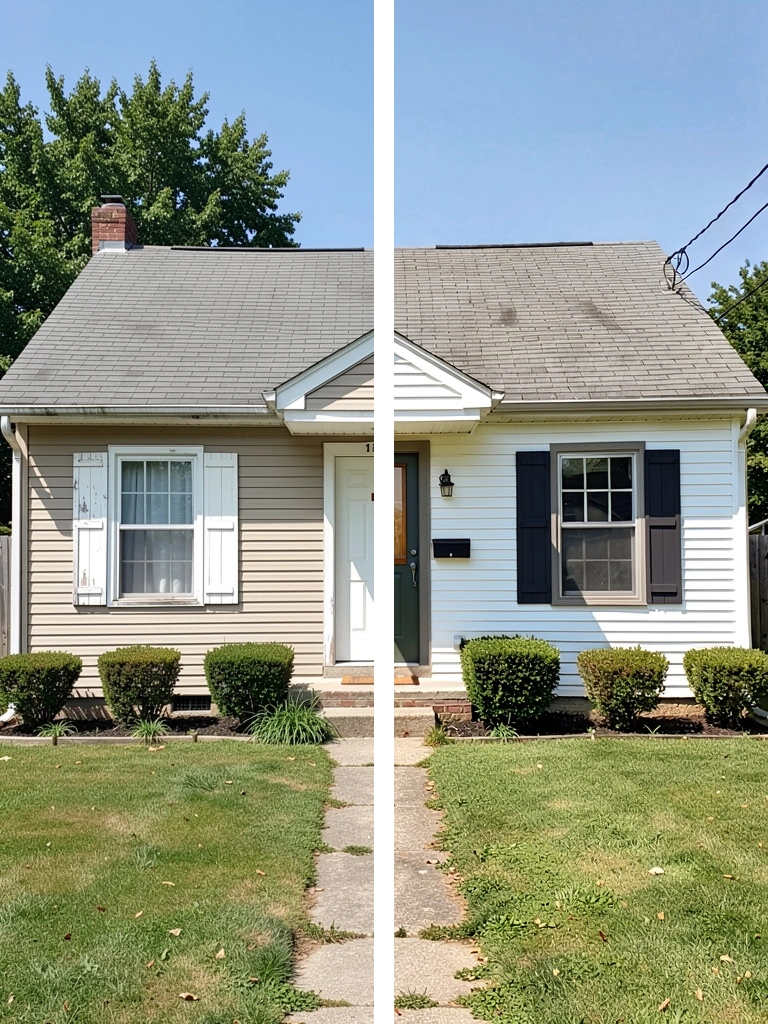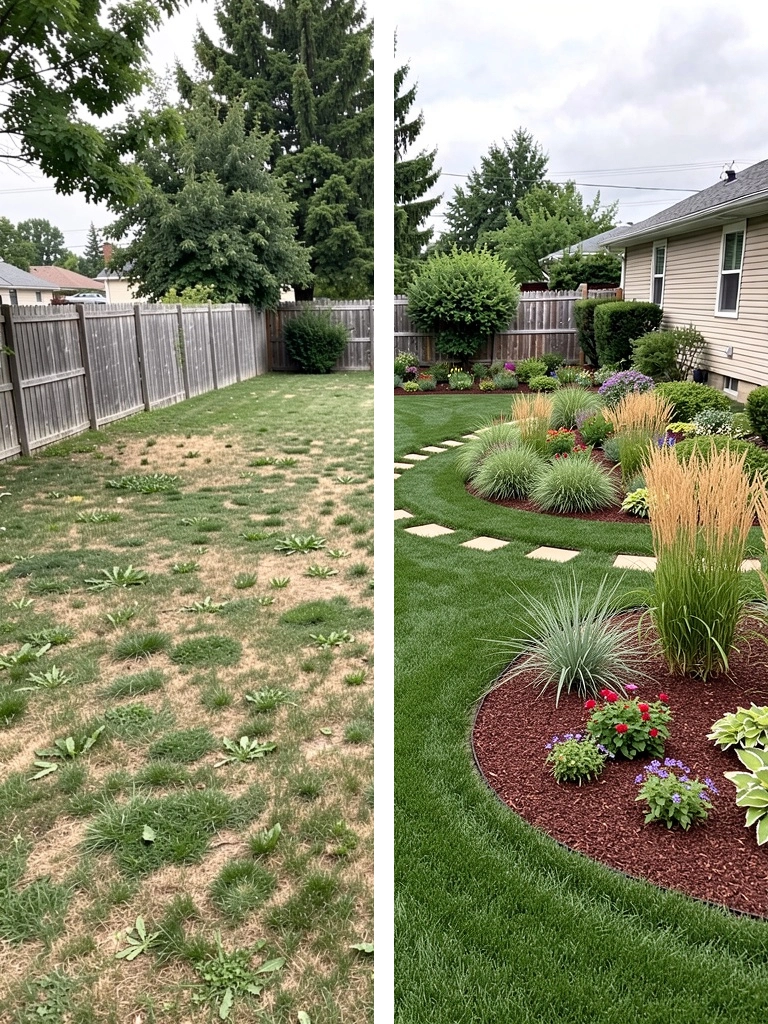
Reduce expensive guesswork
Compare directions before buying paint, materials, or plants.
AI exterior design for your real home
Turn one photo into realistic facade, paint, curb appeal, and landscaping directions—so you can compare ideas before committing time and money.


 BeforeRenomo idea
A clearer first step
Renomo is an AI home exterior visualizer for homeowners who want to make better design decisions. Use your own photo, try a focused change, and see a realistic direction in context.
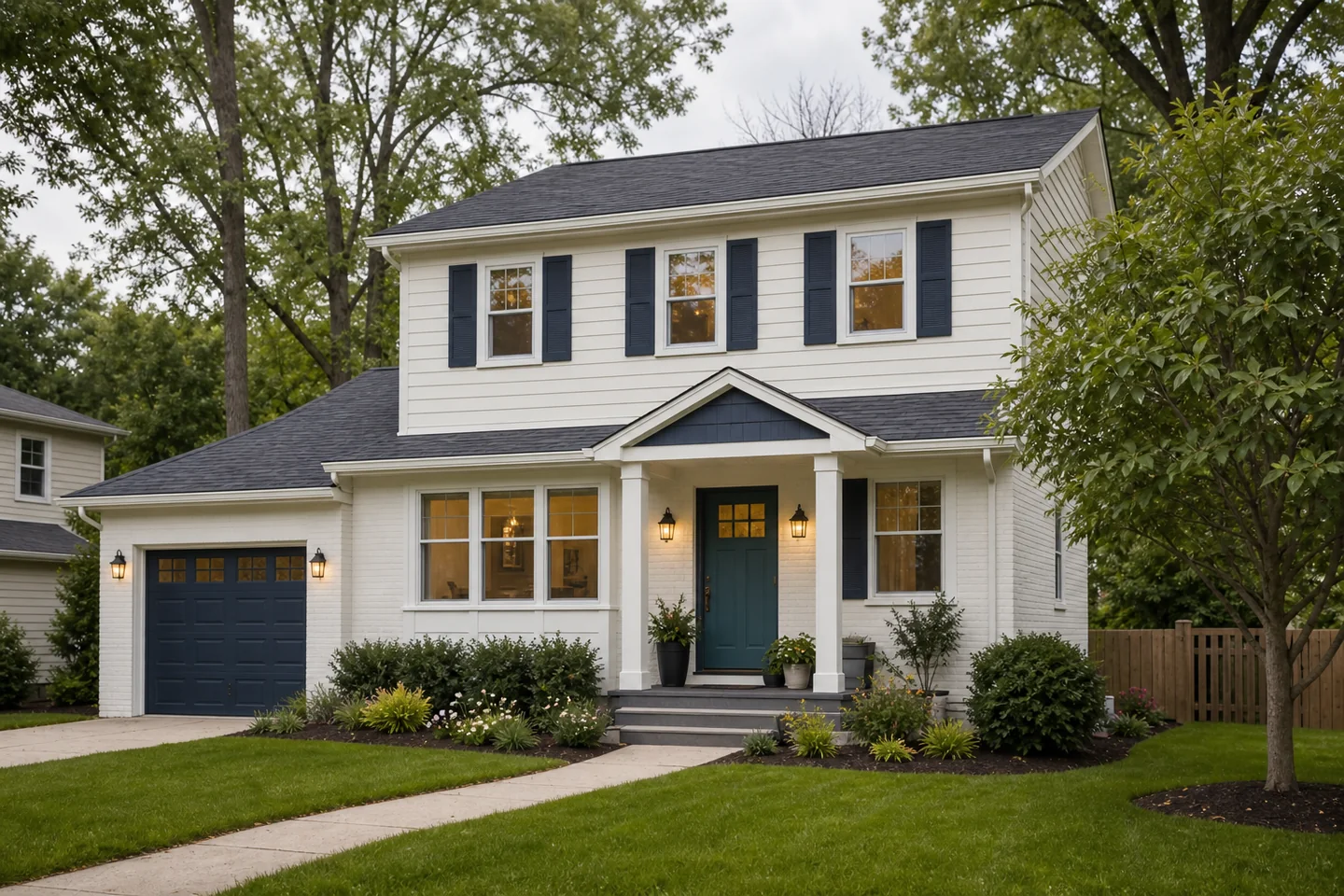
Compare directions before buying paint, materials, or plants.
Show a visual reference to family, contractors, or designers.
Explore color, facade, and landscape ideas on your actual property.
How it works
Use a straight-on exterior, yard, or sketch image.
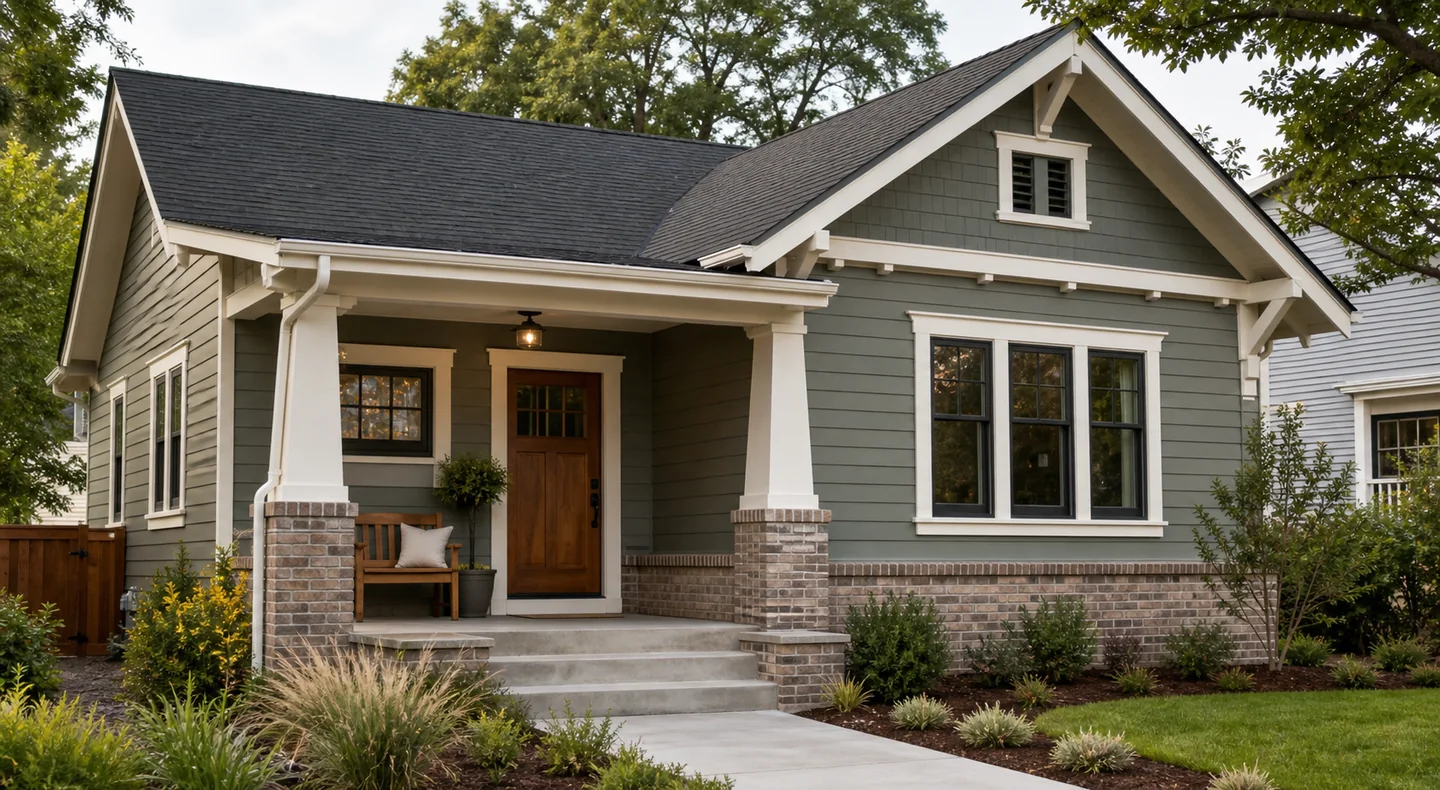
Try a full makeover, facade style, landscaping, or sketch render.
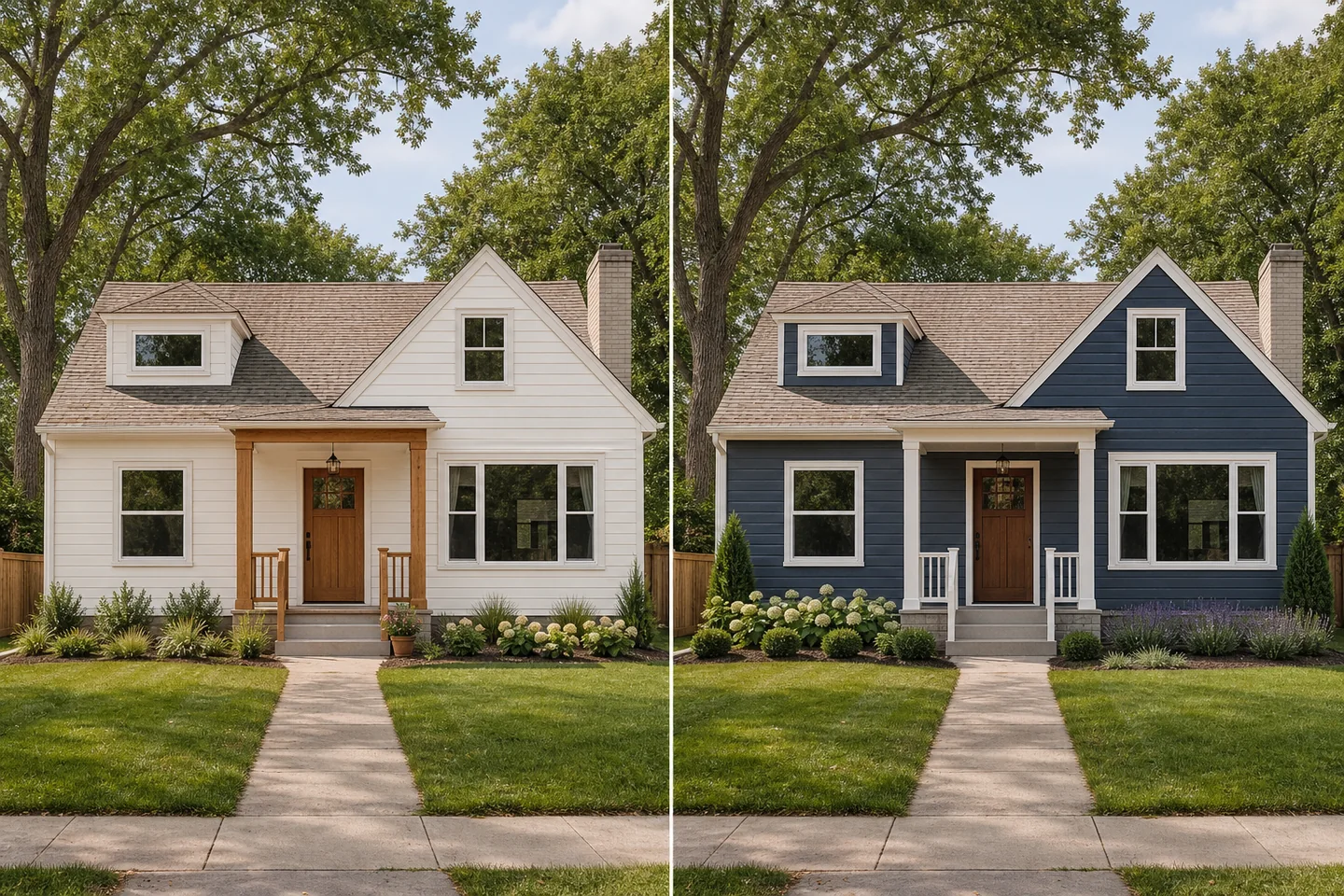
Review the visual, test another direction, and save the ideas worth discussing.
Built for real decisions
Each tool starts with a clear renovation question instead of an open-ended prompt.
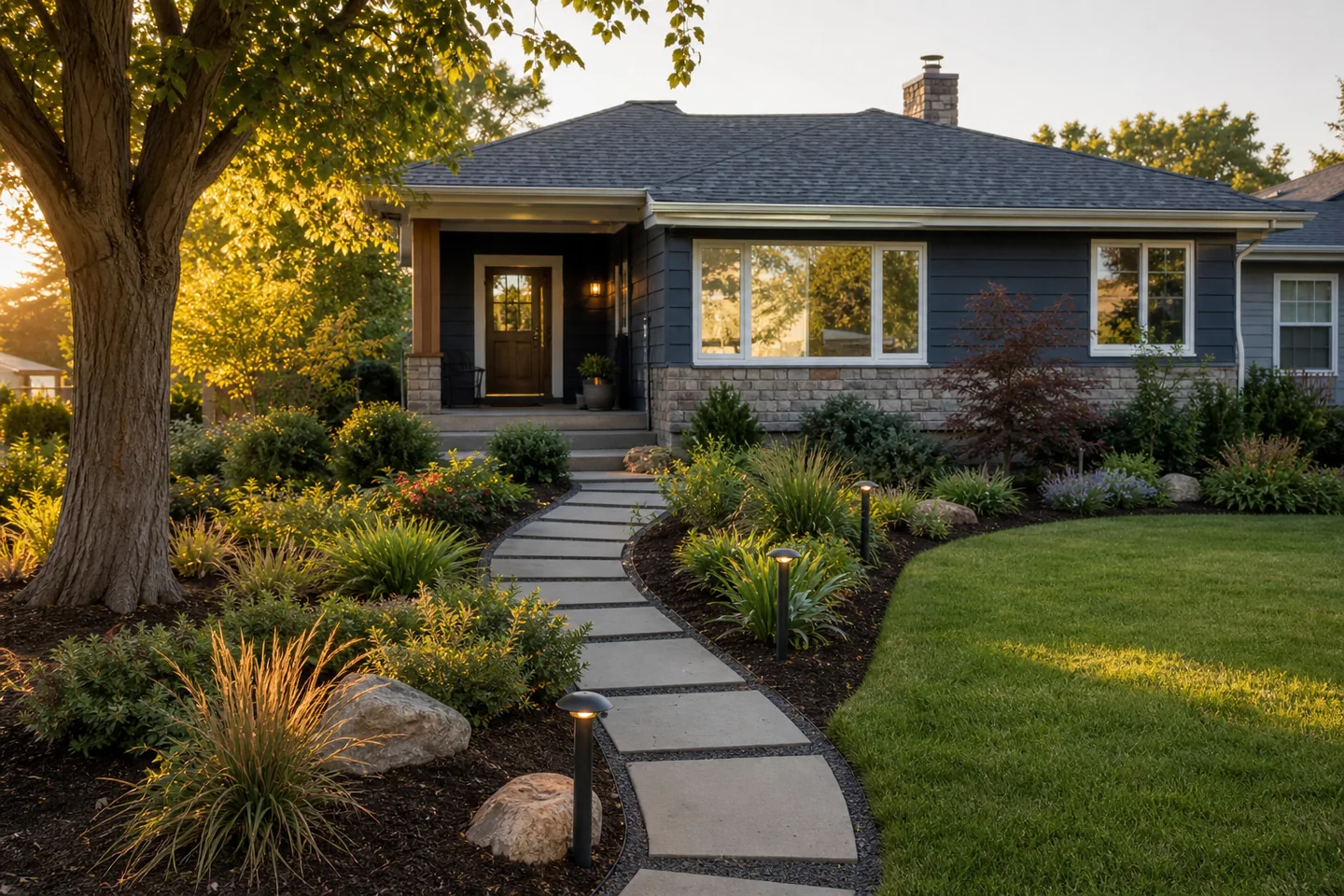
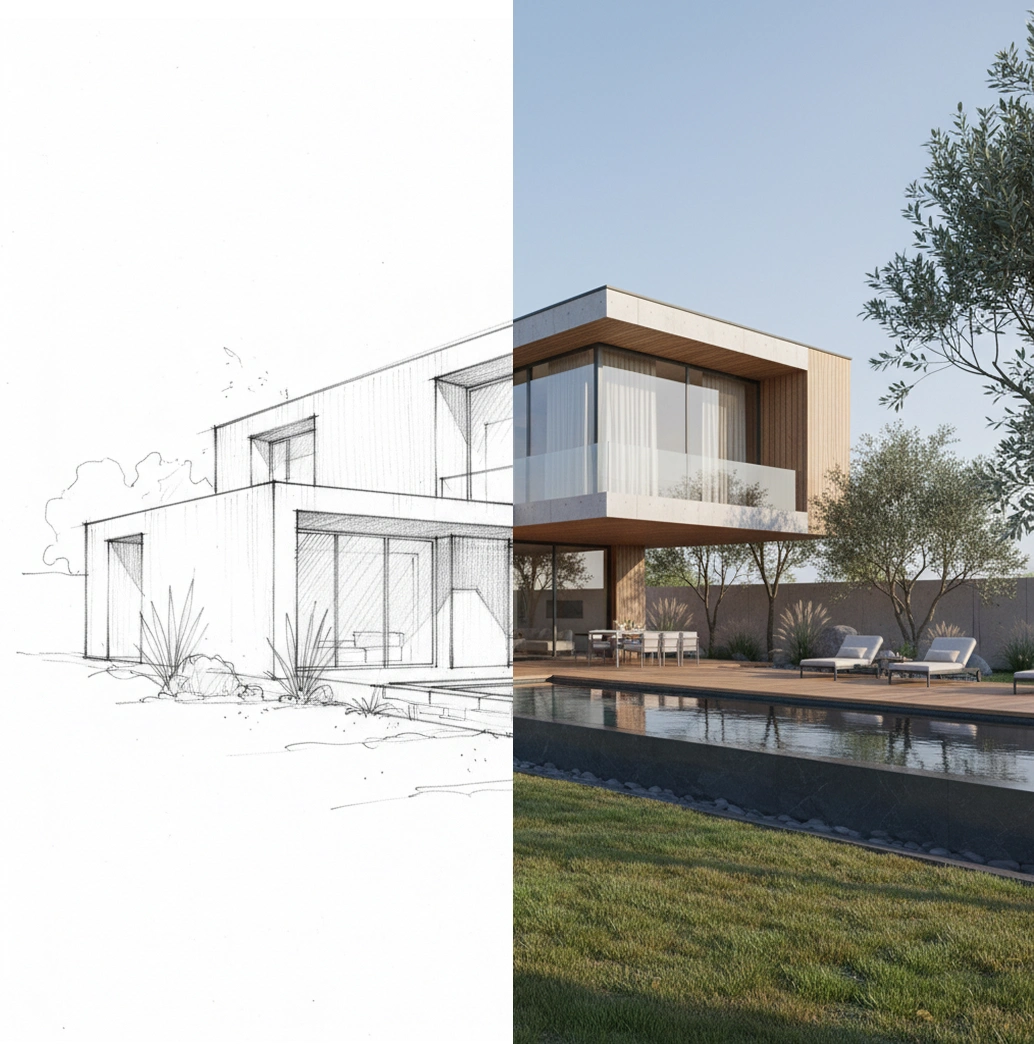
Real inputs, focused transformations
Use results to narrow preferences and communicate intent—not as construction drawings or guaranteed outcomes.
Designed to inform—not overpromise
AI visuals can help you explore options quickly. Final materials, dimensions, costs, permits, and buildability should always be confirmed with qualified local professionals.
Frequently asked questions
Your home, with more possibilities
Upload a photo, compare a new direction, and decide what is worth exploring further.