
Main facade color
Explore the dominant color across siding, render, stucco, or painted masonry.
Exterior paint visualizer
Compare paint, trim, shutter, siding, and material combinations in context before buying samples or committing to a palette.


Start with one photo of your real space
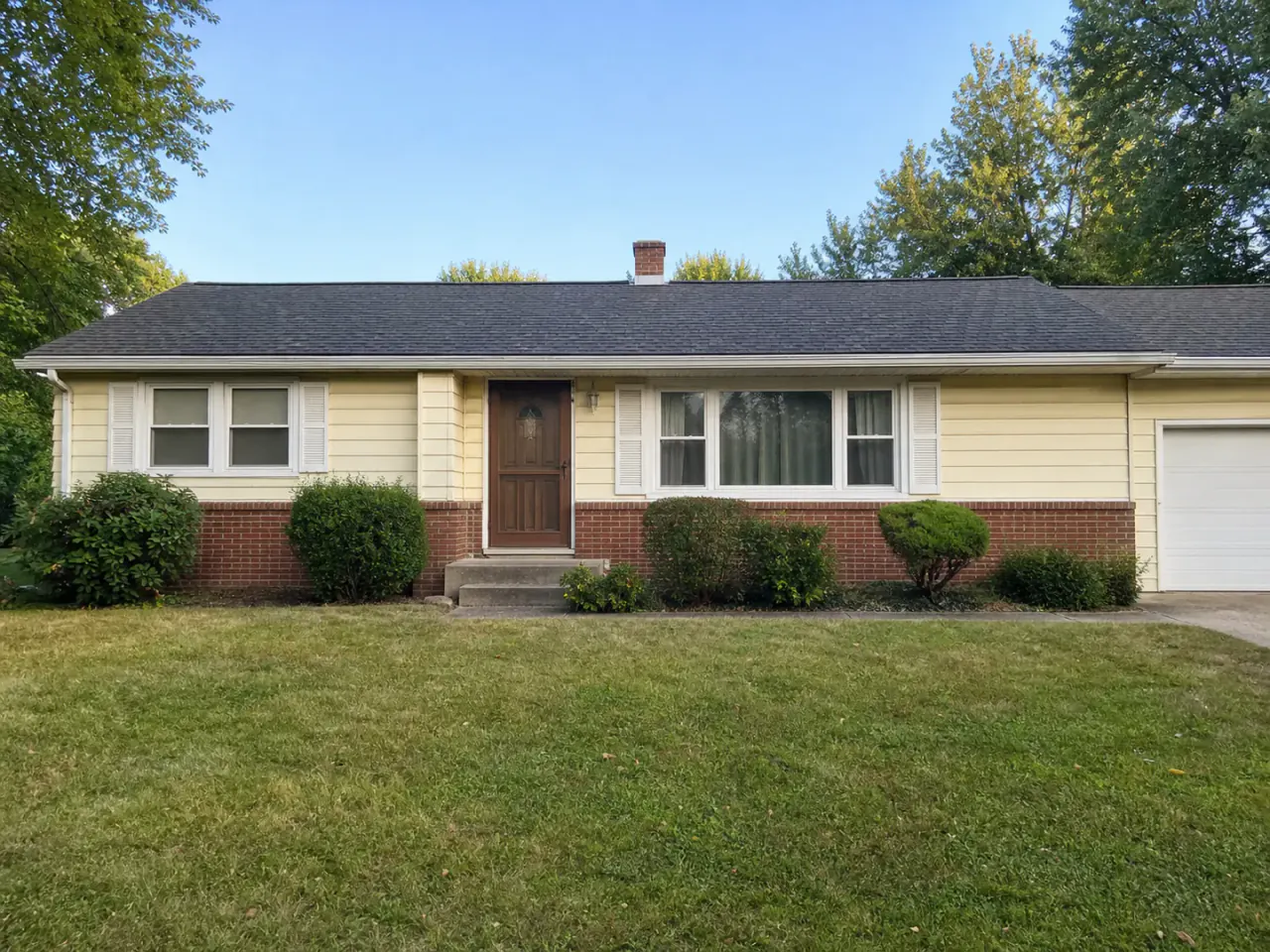
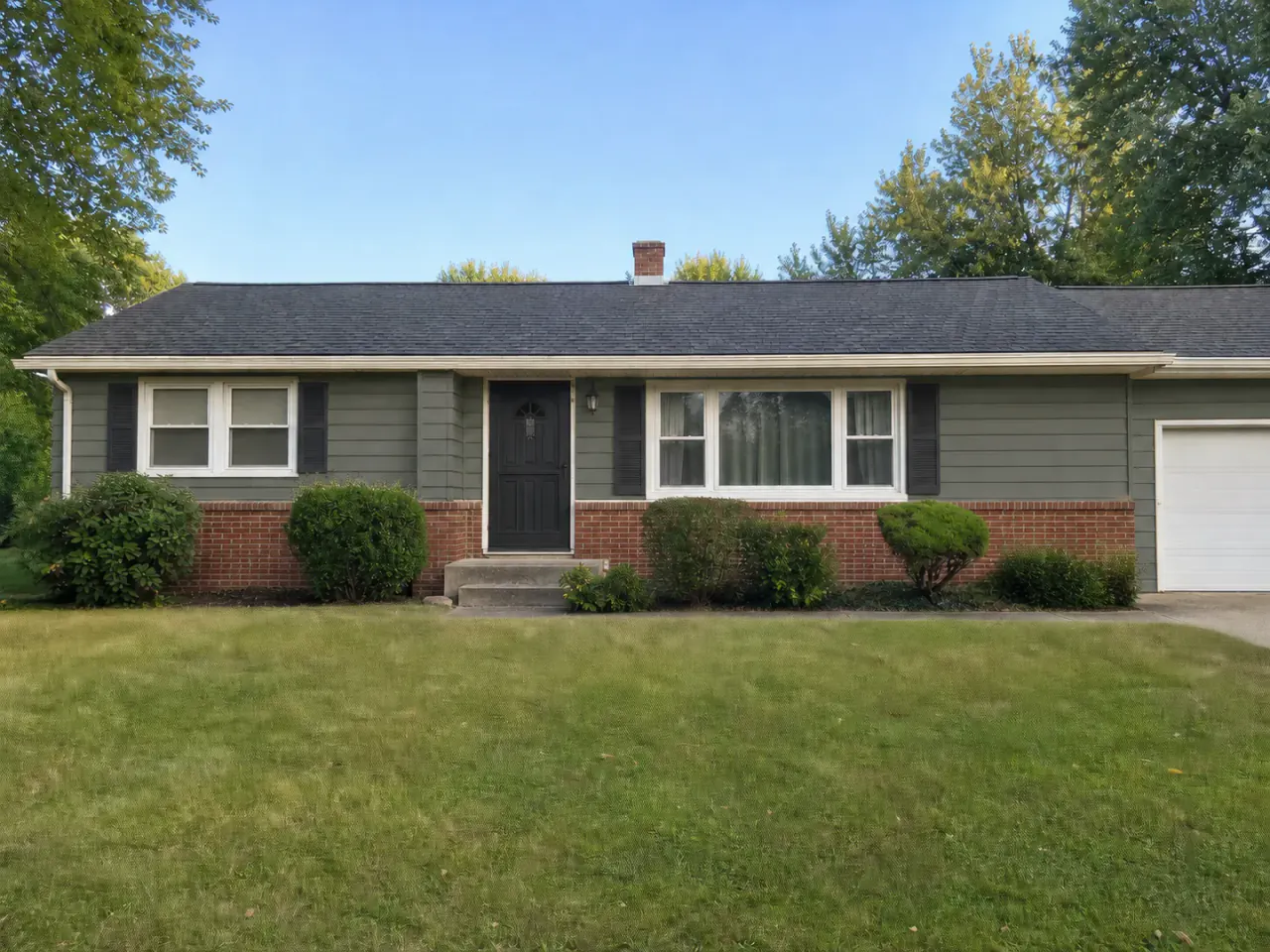 BeforeRenomo idea
An exterior paint visualizer shows possible house colors on a real property photo so you can evaluate the complete palette rather than isolated swatches.
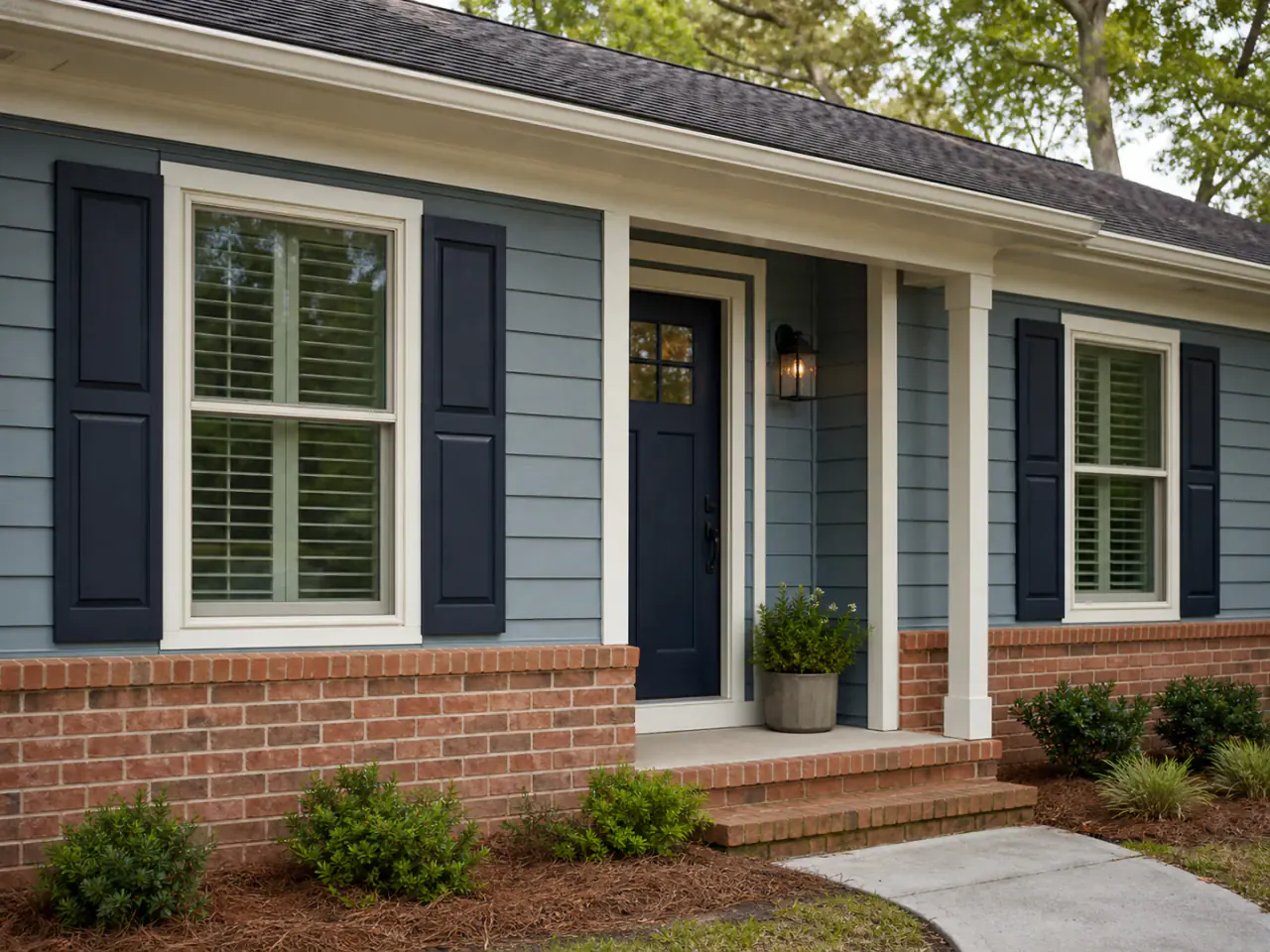
Color needs context
Exterior colors change beside brick, stone, roofing, landscaping, daylight, and neighboring homes. A full visual direction makes those relationships easier to judge.
What you can explore
Explore the dominant color across siding, render, stucco, or painted masonry.
Test contrast around windows, fascia, soffits, columns, and architectural edges.
Use smaller accent areas to create hierarchy without overwhelming the facade.
Evaluate colors beside brick, stone, roof tones, paving, and planting.
Visual decisions in context
Each example should help narrow a real renovation question—not simply add another inspiration image.
Start with the largest surface, then make trim and accent decisions that support it instead of competing for attention.
Contrast can emphasize window rhythm, entry depth, rooflines, and facade proportions—even when the structure stays the same.
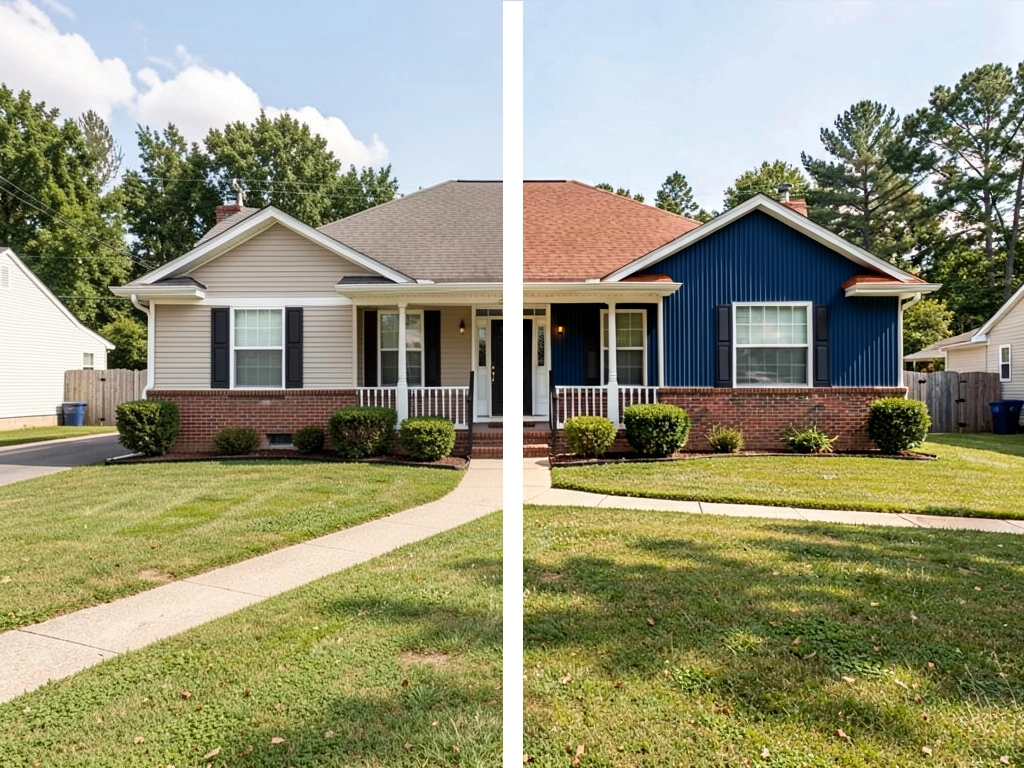
A useful comparison changes the overall family, not just one slightly different shade. Save the direction before choosing exact manufacturer colors.
How it works
Show the full area you want to explore, with the home and important surroundings in view.
Start with one renovation question so the visual is easier to compare and refine.
Save promising ideas, test alternatives, and use the result to clarify the real project brief.
Before choosing paint
Screens, lighting, surfaces, and AI generation all affect color appearance.
Avoid extreme sunset color, deep shadow, or heavy image filters.
Coordinate with brick, stone, roofing, paving, and features you plan to keep.
Once you have a direction, view real paint samples on multiple sides of the house.
Confirm HOA, heritage, strata, or municipal color restrictions where applicable.
Use the result responsibly
Use Renomo to narrow color families and relationships. Final colors must be selected from real manufacturer samples under actual site lighting.
Continue exploring
Frequently asked questions
Your home, with more possibilities
Upload a photo, compare a new direction, and decide what is worth exploring further.